 COME
Match Preview, Score Update or Result: Read the Difference
A preview tells you about an upcoming match, a score update describes a moment in play and a result confirms an outcome. Check the status before relying on any cricket graphic.
A score is a snapshot
The example graphic shows Gujarat Titans at 162-6. This notation means 162 runs for six wickets lost. By itself, it does not tell you whether the innings or match has ended, and it should not be treated as a current feed.
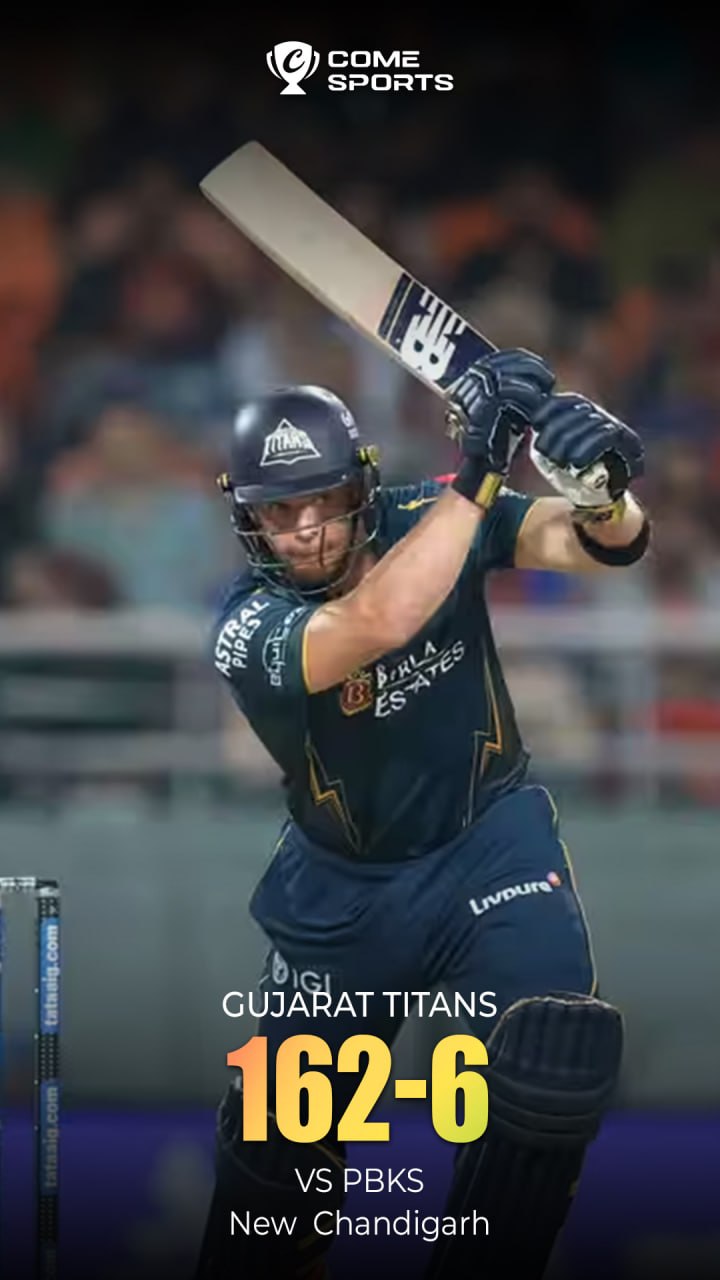
Look for the missing context
Read the team names, innings, date and match status together. A graphic that says versus another team may identify an opponent without identifying a final outcome. Open the scorecard or match report when you need the actual result.
Separate a schedule from an update
A fixture records a planned match and start time. It can change. A post may be published later or shared again, so the time when you see it is not necessarily the match time. Check the season and time zone at the tournament source.
Use results for completed matches
A result page or match report explains the outcome in context. Do not calculate a winner from one isolated team score when you do not have the other innings or the match conditions. Archived artwork is useful for learning notation, not for making a current schedule.
Keep app access as a separate question
Cricket information on these pages is general reading help. It does not confirm that a match is available through COME or that any service carries a live broadcast. The IPL overview explains where to start when checking tournament information.